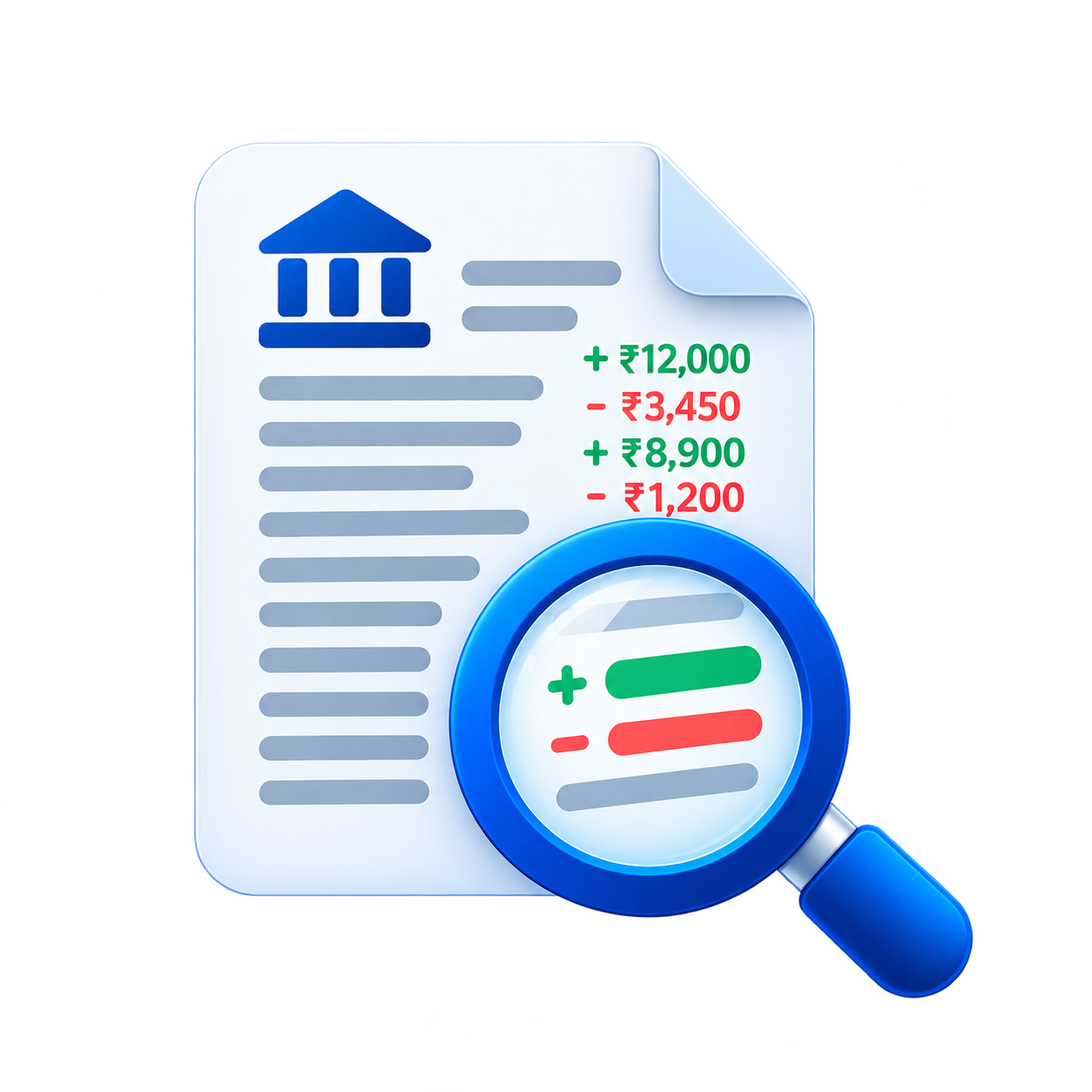
Scans are harder than digital PDFs because there is no embedded text table to read. Pages may be tilted, faint, or photographed with shadows, characters blur together, and ruled lines break into dots that look like punctuation. Copying text from a viewer does not help because the viewer sees an image, not rows and columns.
Conversion therefore starts with text recognition that locates words and numbers and rebuilds them into rows with dates, descriptions, amounts, and balances. From that point the file follows the same path as a digital export: column detection, transaction structuring, and a separate Statement Info sheet for bank, period, and balances.
Uncertain characters are expected on scans, so each row carries a confidence value based on recognition clarity and layout fit. Low-confidence rows are flagged for review rather than silently corrected, which lets you confirm a doubtful 3 versus 8 or a faint decimal point against the source image.
Reconciliation is still enforced. Opening balance plus signed transactions must match the closing balance within a small tolerance, and a mismatch produces a clear error naming the problem instead of a spreadsheet with shifted amounts. That check catches the most common scan failures: missed rows, merged lines, and misread amounts.
When you have a choice, prefer a digital PDF or CSV export from online banking over a print-and-scan. Digital files carry exact text and avoid recognition uncertainty entirely, which means cleaner categories and fewer flagged rows for the same statement.
If only a scan is available, the work still proceeds with the same validation and flags. Open the free Bank Statement Converter, upload the scan or try the sample, review flagged rows in the preview, then download the Excel file — and run the same file through the free live demo of the Analyzer when you need income or risk signals too.